Try a new hair color before you book the appointment
Color is a bigger commitment than it looks. See a new shade on your own photo first, and keep your cut or change it too. Free to try.
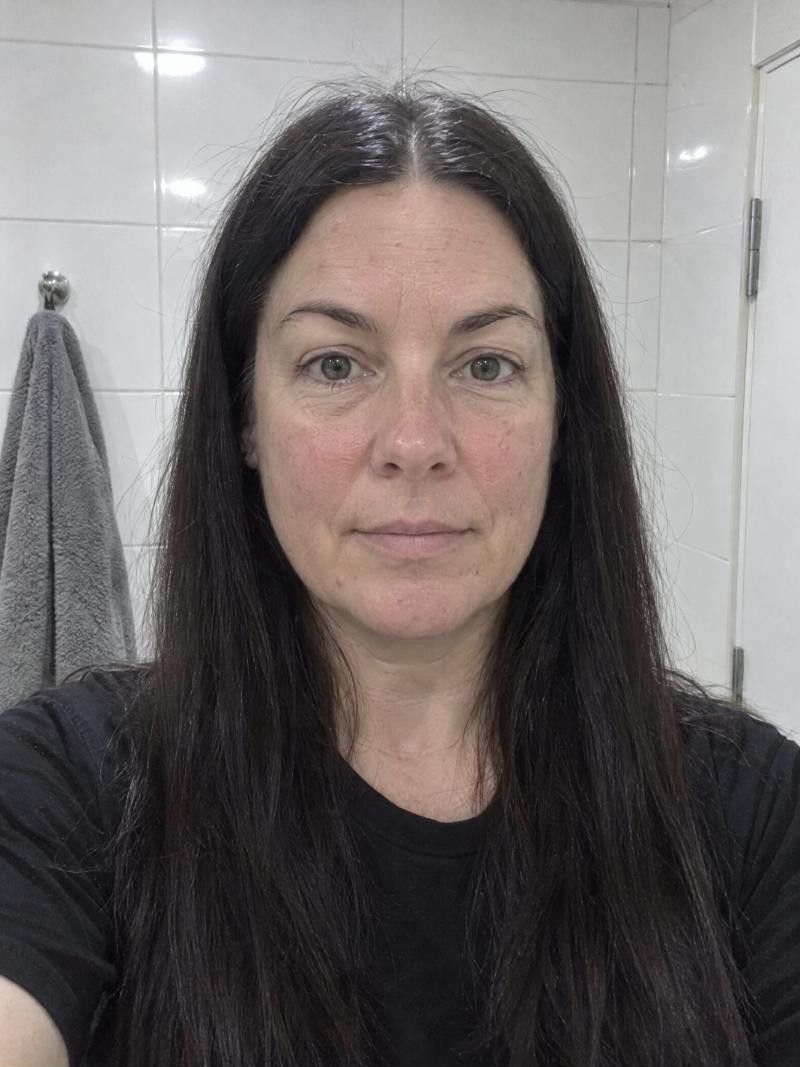
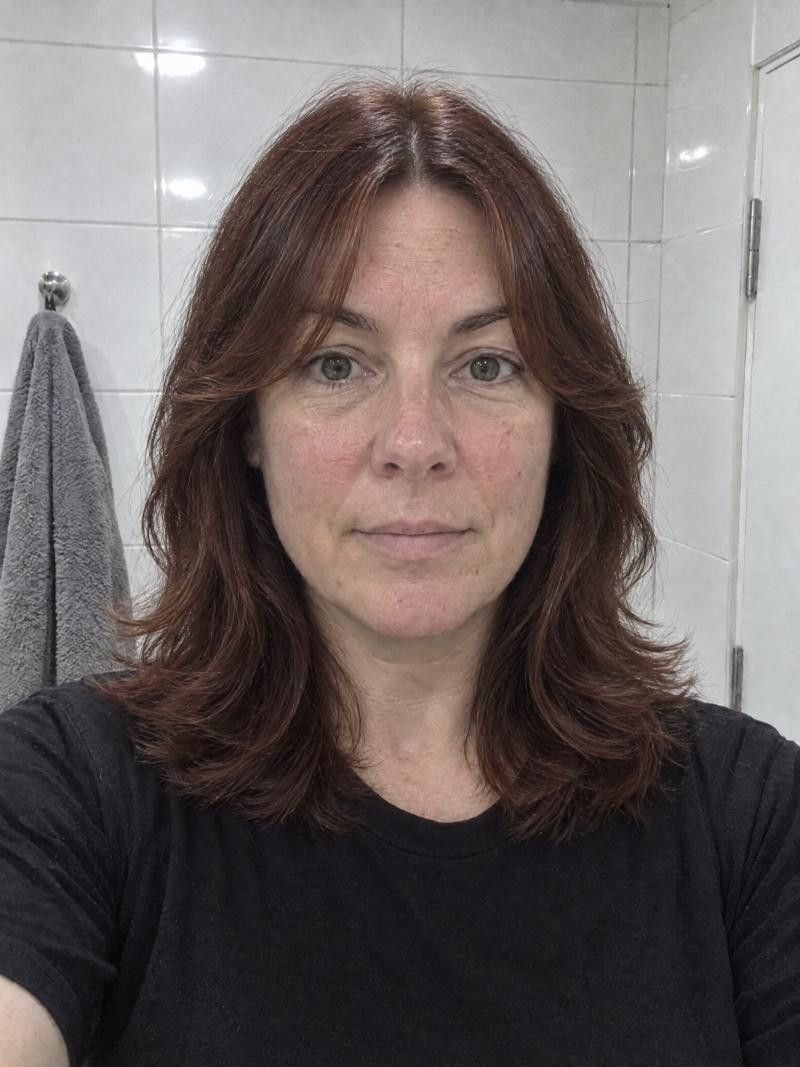
How do I choose a new hair color?
Start with your skin undertone and eye color, then decide how far from your natural shade you want to go. Warm undertones often like gold, honey and copper, and cool undertones often like ash and cooler browns. Preview a few shades on your own photo before you book.
What to weigh before you change color
-
Undertone and eyes
Warm skin, with a golden or peachy cast, often suits gold, honey and copper. Cool skin, with a pink or bluish cast, often suits ash and cooler browns. Eye color is a second clue, not a rule.
-
Natural or bold
Natural shades sit within a few steps of your own color and grow out quietly. Bold colors, like blues or deep reds, make a statement and need more care. Try both in the app to see which feels like you.
-
Going lighter
Lighter shades usually need hair to be lightened first, which can leave it drier. Contrast with your roots will show as regrowth. Fine or thinning hair needs extra care, so ask your stylist what is safe.
-
Going darker
Darker color is usually simpler to apply and can add depth and shine. Regrowth shows too, especially gray roots against a dark shade, and dark color fades toward a different tone over time.
-
Regrowth and upkeep
Ask where the regrowth line will fall. A shade close to your natural color grows out softly, while a strong contrast shows a line. Gray can be covered, blended, or embraced with a shade like Ash Gray.
- Best for
- Anyone who wants to see a shade before committing, from a subtle change to a bold one, and anyone deciding whether to cover gray, blend it or let it show.
- Upkeep
- Colors close to your natural shade need fewer touch-ups. Bright, very light or very dark colors need more regular visits and gentler washing. Ask your stylist what routine to expect.
- Watch out for
- Screens and photos change how a shade looks, and your own hair will react to color in its own way. Treat the preview as a direction and ask your stylist for the closest real shade.
More looks to try
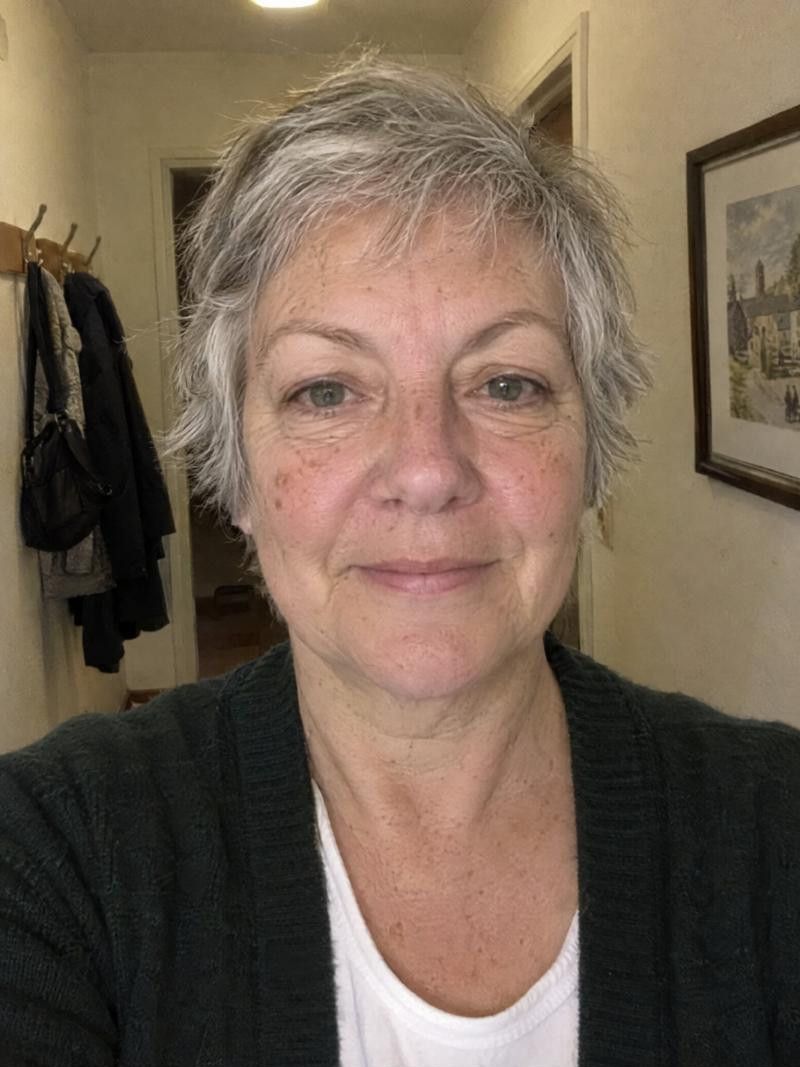
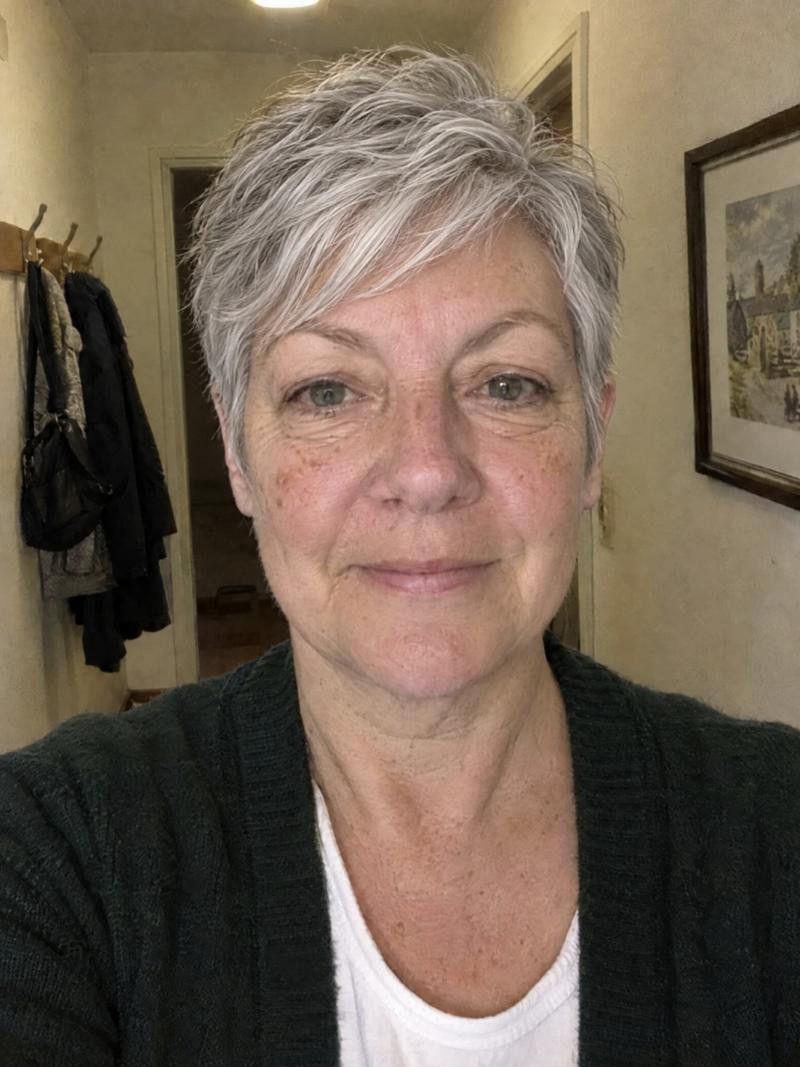

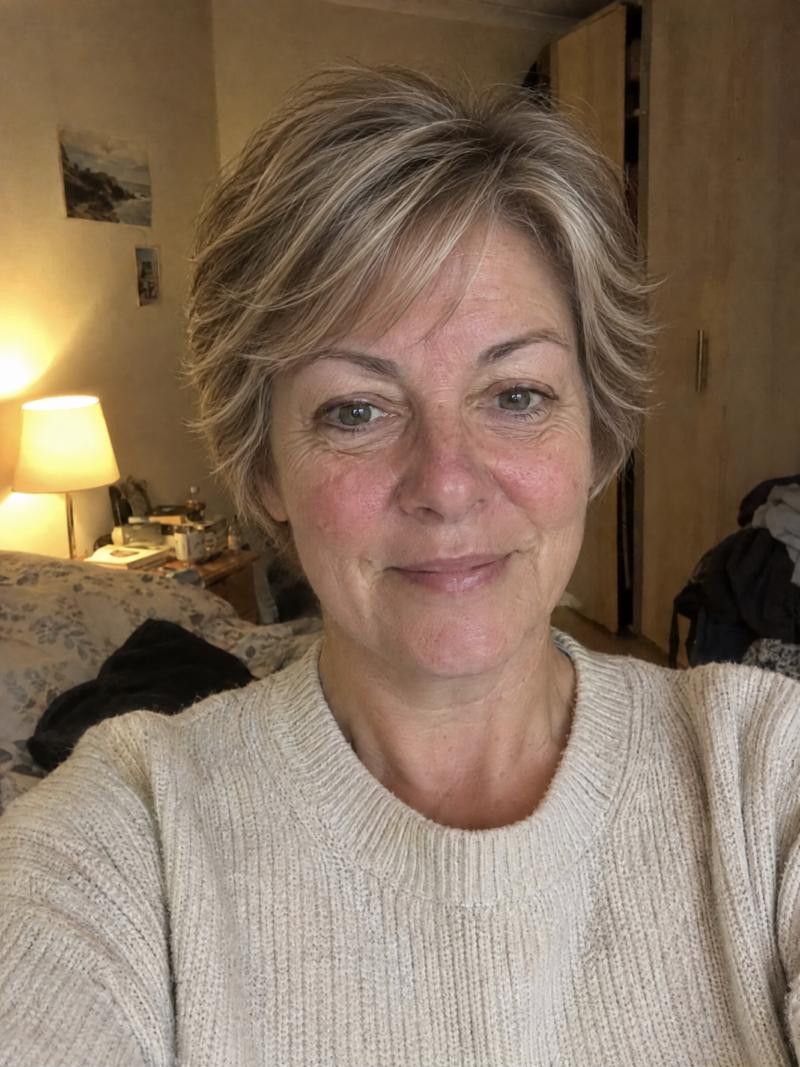
Try hair colors in the app
-
Add one photo
Use a front-facing photo in even, natural light, so the colors on screen are not distorted by a warm lamp or shadow.
-
Open the color row
Pick a shade such as Ash Gray, Auburn or a blue. To see color alone, leave the haircut on No changes and only the color changes.
-
Add a new cut if you want
Choose a haircut from the catalogue as well to see how a new cut and a new color work together, or keep your own cut.
-
Compare with See original
Toggle See original to see the before and after. Regenerate for another take, then save your top two or three shades.
Take it to your stylist
Show the shade
Bring the preview and say what you like: warmer, cooler, lighter, deeper. Your stylist can match the tone to your real hair and tell you if it needs more than one visit.
Ask about regrowth
Ask how the roots will look in a few weeks and how often you will need a touch-up. A softer root can save you visits.
Discuss hair health
Tell your stylist about thinning, dryness or past color. They can adjust the plan, and for scalp concerns a doctor can advise.
Good to know.
Something else on your mind?
Write to us
How do I find out if my undertone is warm or cool?
Look at your skin in daylight. Gold or peach points to warm, pink or blue to cool, and a mix is neutral. If you are unsure, try shades from both sides in the app and see which looks more natural.
Can I change only my hair color and keep my cut?
Yes. Pick your shade in the color row and keep the haircut on No changes. The app shows your own cut in the new color.
Which color is easiest to maintain?
Shades close to your natural color grow out with the least visible line. Big jumps in either direction, especially very light or very dark, tend to show regrowth sooner and need more visits.
I have gray hair. Should I cover it or keep it?
Both are fine choices. Try covering it with a warm or deeper shade, or try a silvery shade like Ash Gray in the app. Seeing each one on your face often settles it faster than imagining it.
Will the color in the app match what the salon gets?
It will be close in direction but not exact. Lighting, your natural hair and the stylist's mix all affect the final shade. Use the preview to explain what you want.
Keep exploring
- Balayage Simulator Try balayage on your photo before the colorist does
- Gray Hair Simulator See yourself with gray hair before you go silver
- Blonde Hair Simulator See yourself blonde before you commit to the color
Ready for your new look?
See it on you before you cut. Free to try.