How to pick the best app to try hair colors
This is our own page, and we say so up front. Here is a plain checklist for choosing an app to try hair colors, and how our app measures up. Free to try.
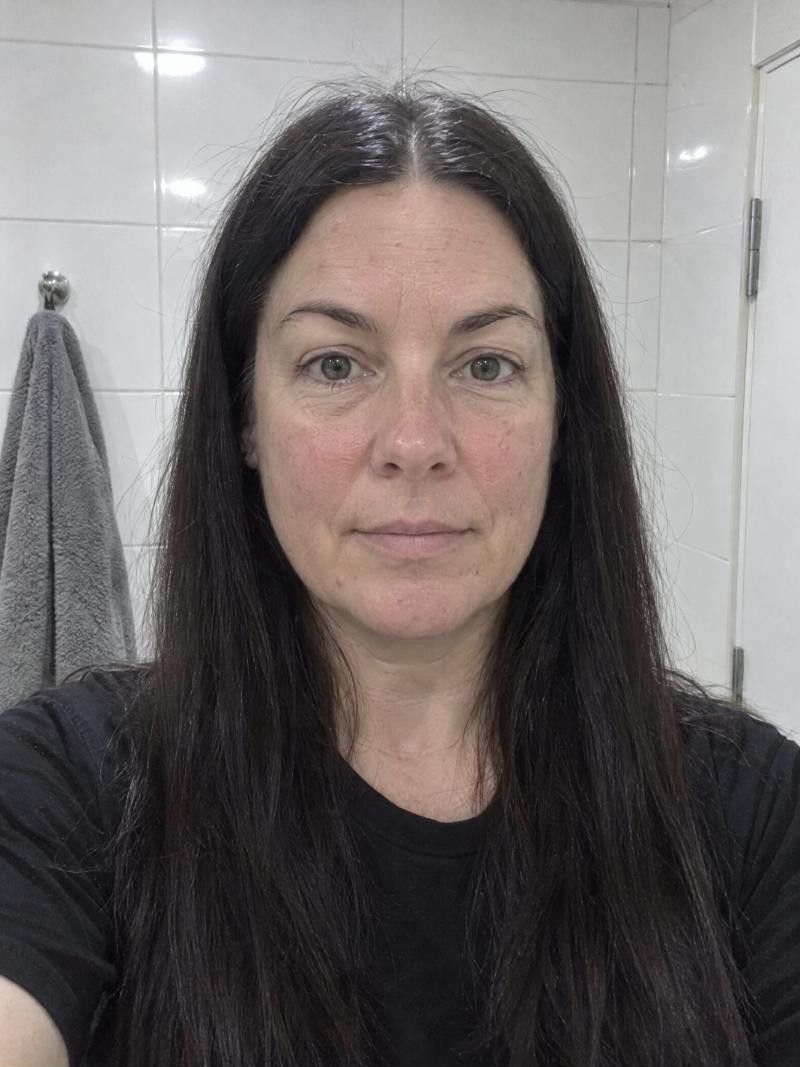
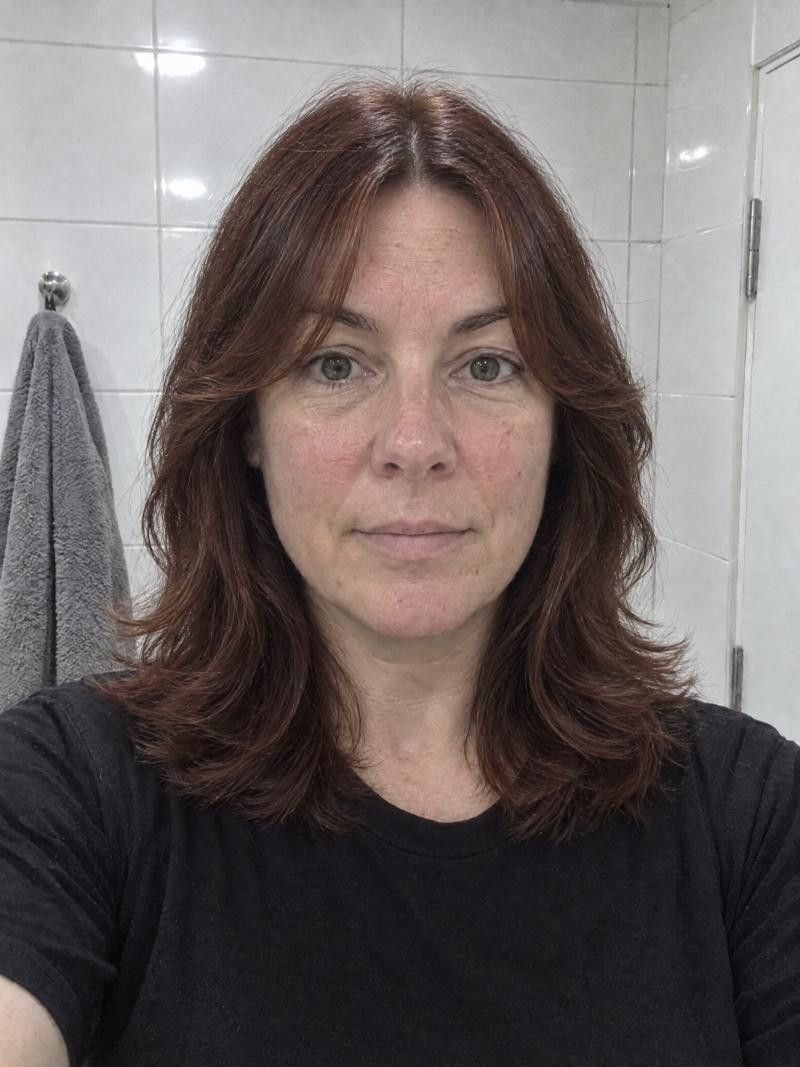
What is the best app to try hair colors?
The best app for you is one that shows color on your own photo and lets you change the color alone or with a new cut. Haircut Simulator is a free-to-try iPhone and Android app: pick a color such as Ash Gray or Auburn, or keep your own, and see yourself in seconds.
Five things to check before you try a color
-
Color on your own photo
A color looks different on every face, so a swatch is not enough. Look for an app that puts the color on your photo. In ours you add one photo, pick a color, and see yourself with it in seconds.
-
Color alone or with a cut
Sometimes you want a new color and the same cut. Sometimes you want both. In our app you can change the color with a new cut, or keep the cut and change only the color.
-
A choice to keep your own
Good apps let you leave your color alone and test only the cut. In ours, No changes keeps your own color. Colors such as Ash Gray and Auburn are there when you want to try something new.
-
Easy to compare
You decide by comparing. After a result, look for a way to see your original photo, try again, and keep what you like. Ours offers See original, regenerate, download and share.
-
Privacy and no ads
A color test uses a photo of your face, so check how it is handled. In our app, photos are only used to create your results, can be deleted any time, and are never used to train AI. There are no ads.
- Best for
- Anyone curious about a new shade, from a soft Ash Gray to a deeper Auburn, who wants to see it on their own face before booking a colorist.
- Upkeep
- Downloading and trying are free, and you need no account to start. After trying, you can choose a subscription or a pack of credits inside the app.
- Watch out for
- A preview is not a promise. A screen is only a guide, and your starting hair, its texture and density, and your colorist's technique decide the real result.
More looks to try



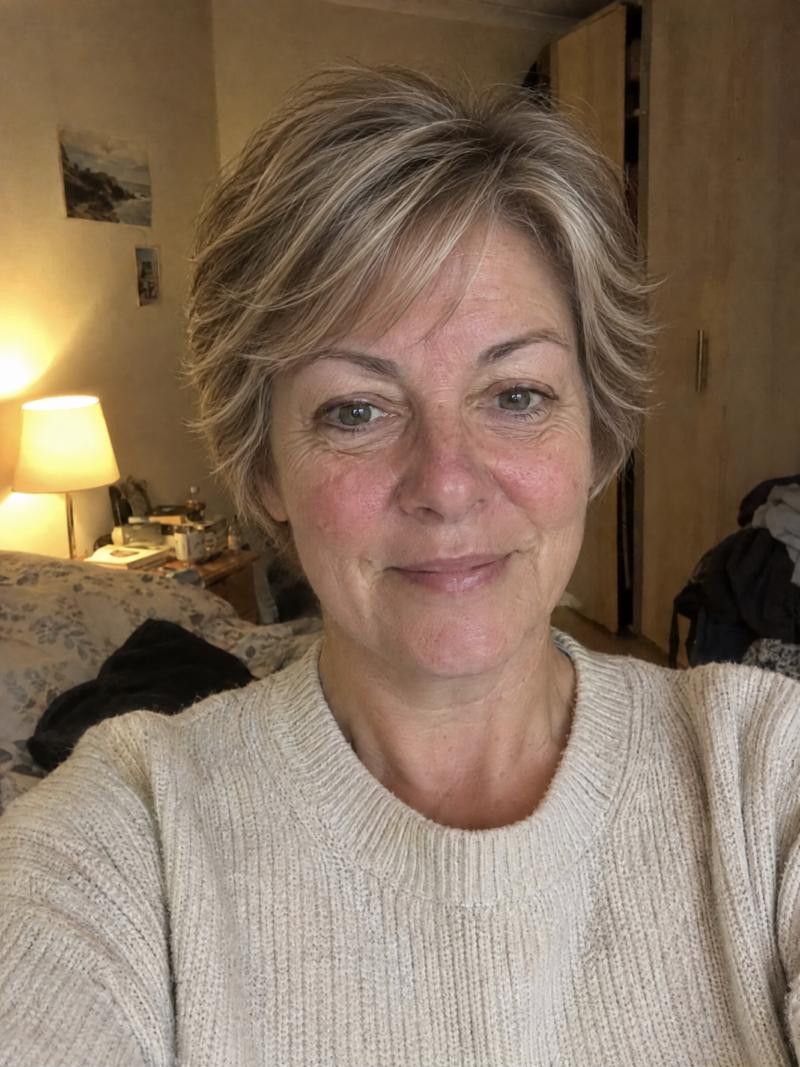
How to try a hair color in our app
-
Add one photo
Download the app for iPhone or Android and add one photo of yourself. No account is needed to start.
-
Choose a color
Pick a color such as Ash Gray or Auburn, or choose No changes to keep your own color.
-
Choose a cut or keep yours
Change the color with a new cut, or keep the cut and change only the color.
-
Compare and save
See yourself in seconds. Use See original to compare, then regenerate, download or share.
Talking color with your colorist
Show the color you like
Download or share your result and show it to your colorist. A picture of yourself says more than a color name.
Ask about your starting point
Ask what your current hair color and texture mean for the shade you chose. Your colorist can judge this in person and a photo cannot.
Plan color and cut together
If you tried a new color with a new cut, bring both. Your stylist can tell you what to do first and what each step involves.
Good to know.
Something else on your mind?
Write to us
Can I try a hair color without changing my cut?
Yes. In Haircut Simulator you can keep the cut and change only the color. You can also change the color along with a new cut, whichever you want to see.
Which colors can I try?
You pick a color in the app, for example Ash Gray or Auburn. If you only want to test a cut, choose No changes and your own color stays as it is.
Is it free to try hair colors?
Haircut Simulator is free to download and free to try, and you need no account to start. After trying, you can choose a subscription or a pack of credits inside the app.
Will the dye look exactly like the preview?
Not exactly. A result is a preview, not a promise. Your starting hair, its texture and density, and your colorist's technique decide how the real color turns out.
Is there a website where I can try colors?
No. There is no browser version of Haircut Simulator. It is an app for iPhone and Android, and the app is the only way to try it.
Keep exploring
- Hair Color Changer Try a new hair color before you book the appointment
- Highlights Simulator Try highlights on your own photo before you book
- Balayage Simulator Try balayage on your photo before the colorist does
Ready for your new look?
See it on you before you cut. Free to try.