Try a virtual haircut, then walk into the salon prepared
A virtual haircut helps you decide, and it helps you explain. Save your favorites, compare them, and bring clear pictures to your appointment. Free to try.

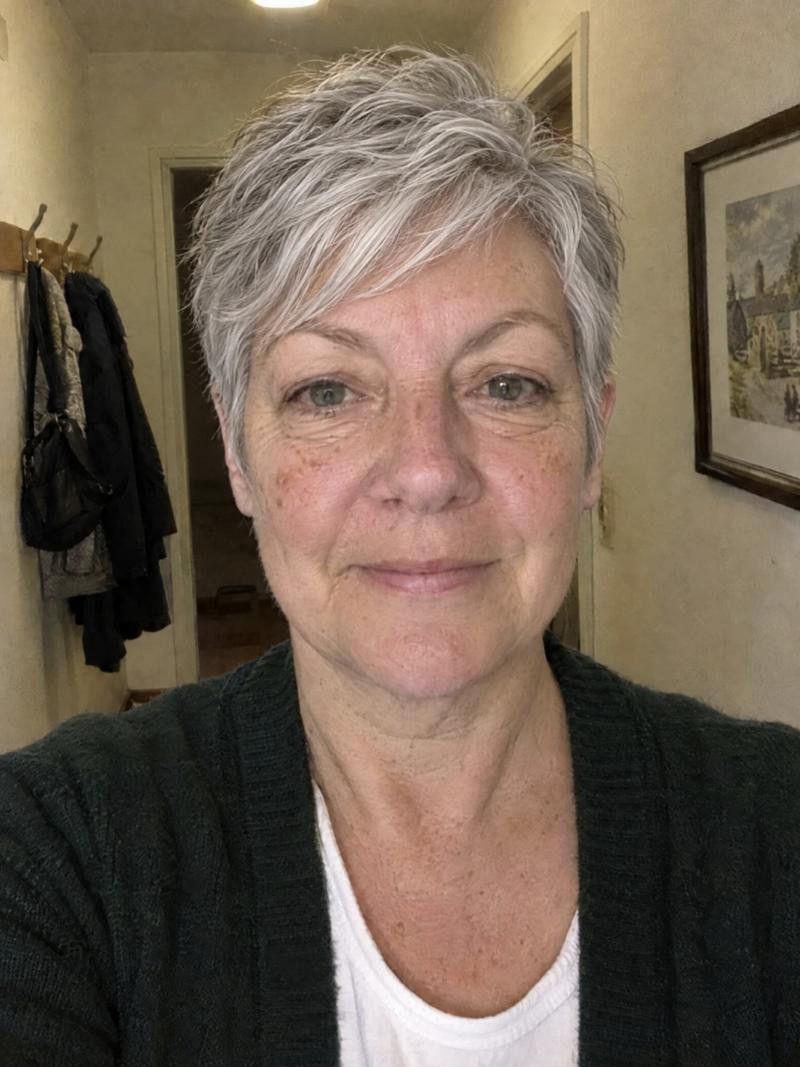
How do I try a haircut before cutting my hair?
Add one clear photo of yourself to an app like Haircut Simulator, pick a cut from the catalogue, and see yourself with it in seconds. You can try several, compare them with your original photo, and save your favorites to show your stylist. It is a preview, so your stylist decides how it works on your hair.
How to use a preview to prepare
-
Save the results
When you like a look, download it so you have it at the appointment. A saved picture is clearer than describing a cut from memory, and it is easy to show on your phone.
-
Compare several cuts
Do not stop at the first one you like. Try a few lengths and shapes, toggle See original, and see which one still looks right on the second and third viewing. The one you keep returning to is often the answer.
-
Import a reference photo
See a haircut on Pinterest, Instagram or Facebook? Use the hair reference feature to import it and see that exact cut on your own face. That is useful because the person in the photo is not you.
-
Describe the cut in words
Pictures help, but words close the gap. Note the length, where the shortest layer falls, whether there is a fringe, and the finish, such as sleek or textured. Your stylist can then match the picture to your hair.
-
Adjust it to your hair
A reference photo shows someone else's hair type. Fine, thick, curly, gray or thinning hair will each wear the same cut differently. Ask your stylist what to adjust so the cut works on your hair.
- Best for
- Anyone nervous about a big change, or who has trouble explaining a cut. It also helps if you have a few ideas and cannot choose between them.
- Upkeep
- Upkeep belongs to the cut, so ask your stylist how often it needs a trim and how much styling it needs. A preview cannot show daily routine.
- Watch out for
- A preview shows shape and length, not your real texture, density or growth patterns. Treat it as a clear starting point for a conversation, not a promise.
More looks to try




Try a virtual haircut in the app
-
Add one photo
Choose a clear photo of yourself, facing the camera with your hair in its usual state.
-
Pick a cut or import one
Browse the catalogue by category, or use the hair reference to import a photo from Pinterest, Instagram or Facebook and see that cut on you.
-
Compare with See original
Toggle See original to judge the change. Regenerate for another take, and try a color too, or keep your current one with No changes.
-
Download and share
Download your favorites to bring to the salon, or share them with a friend for a second opinion.
What to bring to the salon
Two or three saved images
Bring your favorite previews and a reference photo or two. Several angles of the idea help, and a stylist can tell what you like from the pattern.
Your own words
Say what you like about each picture: the length, the fringe, the movement. Also say what you do not like, which is often just as helpful.
Your real routine
Tell your stylist how much time you spend on your hair, and what you do now. They can then adapt the cut to your life and hair type.
Good to know.
Something else on your mind?
Write to us
Is a virtual haircut accurate?
It is a preview, so it shows a cut's shape and length on your face, not a guarantee. Your hair texture, density, growth patterns and your stylist's technique decide how the cut turns out. Use it to decide and to communicate.
Can I use a photo from Pinterest or Instagram?
Yes. The hair reference feature lets you import a photo from Pinterest, Instagram or Facebook and see that exact haircut on your own face. Pick a reference with a clear view of the cut, ideally from the front.
How many cuts should I try?
As many as it takes to feel sure. A handful is plenty for most people: a safe choice, a bolder one and one reference you love. Compare them side by side and see which holds up.
How do I describe a haircut to my stylist?
Start with a picture, then add words for length, layers, fringe and finish. Say where the shortest part sits, such as at the chin or collarbone. Mention what you want to avoid, and ask how it will work for your hair.
What if my hair is different from the reference photo?
That is common. Share the reference anyway and tell your stylist your hair type. They can adjust the cut: for finer or curlier hair the same idea may need different layers or length.
Keep exploring
- Hairstyle Try On Hairstyle try on: how to get a preview you can trust
- Haircuts for Your Face Shape Find haircuts for your face shape, then check them on you
- Haircut Simulator for Women Choose your next cut with a haircut simulator for women
Ready for your new look?
See it on you before you cut. Free to try.