Hairstyle try on: how to get a preview you can trust
A good try-on starts with a good photo. Here is how to set one up, read the result and try several hairstyles on your own face. Free to try.
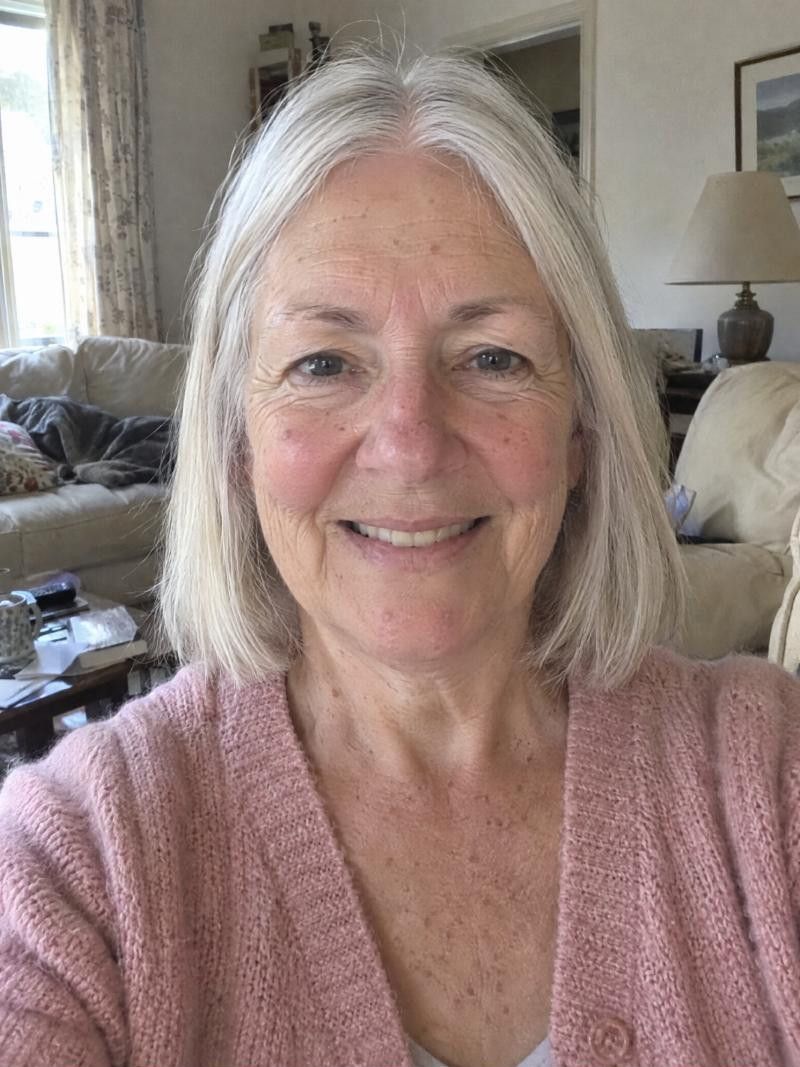
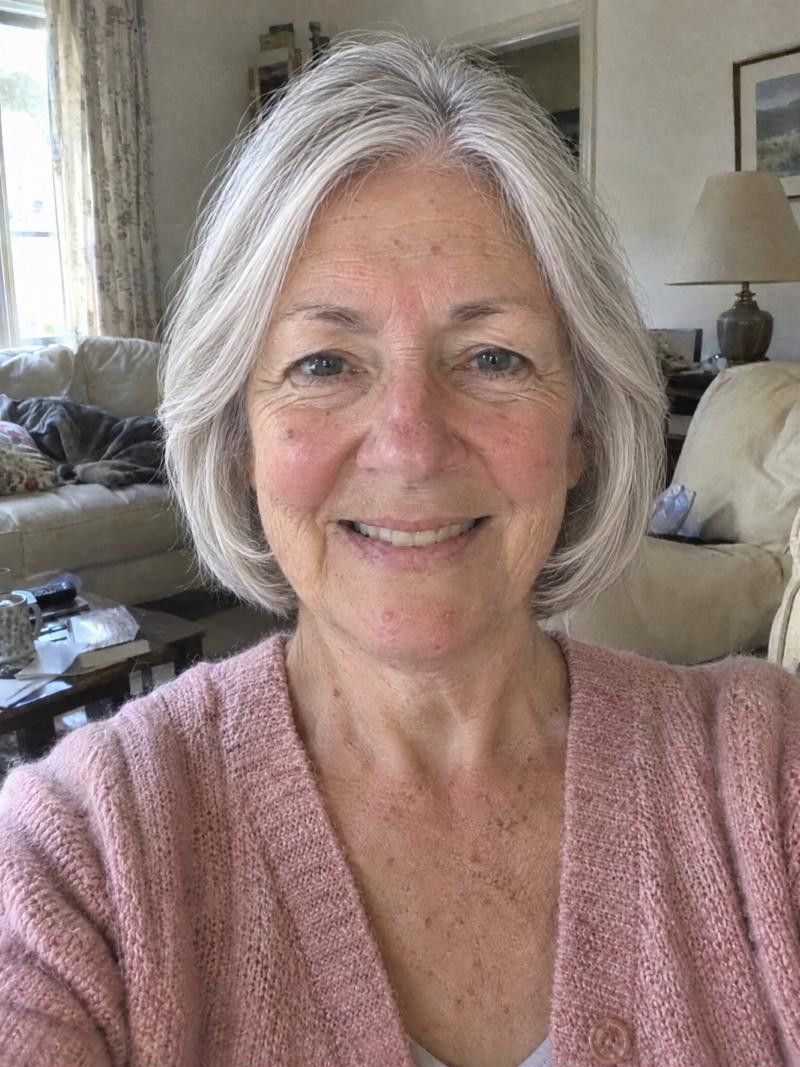
How does a hairstyle try on work?
You add one photo of yourself, choose a hairstyle, and the app shows you with that style in seconds. The result depends on your photo, so a clear, front-facing picture in even light gives the most useful preview. It shows shape and length, not how your real hair will behave.
How to get a good hairstyle try on
-
Use the right photo
Face the camera straight on, with your head level. Hair pulled back or lying natural both work, as long as your face and hairline are clear. Skip hats, sunglasses and anything covering the forehead or ears.
-
Watch the light
Even, soft light is best, like a window in front of you. Strong shadows across the face or a bright light behind you can confuse the result. A plain background keeps the focus on you.
-
Read the result
Look at the length against your jaw and shoulders, where the volume sits and how the cut frames your face. Do not judge the exact strand details. Judge whether the shape feels like you.
-
Try several cuts
One result tells you little. Try a short, a medium and a long cut, a cut with bangs and one without, then compare. The ones you keep coming back to are worth taking to the salon.
-
Know what it cannot show
A preview cannot show your real texture, density, growth pattern or how a stylist will cut it. It also cannot show what happens by afternoon, so treat it as a guide to shape and length.
- Best for
- Anyone who wants to see a new cut or color before booking: first-timers, people returning to the salon after a long gap, and anyone who has a photo of a style they love.
- Upkeep
- A try-on takes a minute and costs nothing to repeat, so try as many styles as you like. Download or share the ones you like so you have them ready for your stylist.
- Watch out for
- A poorly lit or angled photo will give a worse preview. If a result looks off, retake the photo before deciding that the style does not suit you.
More looks to try
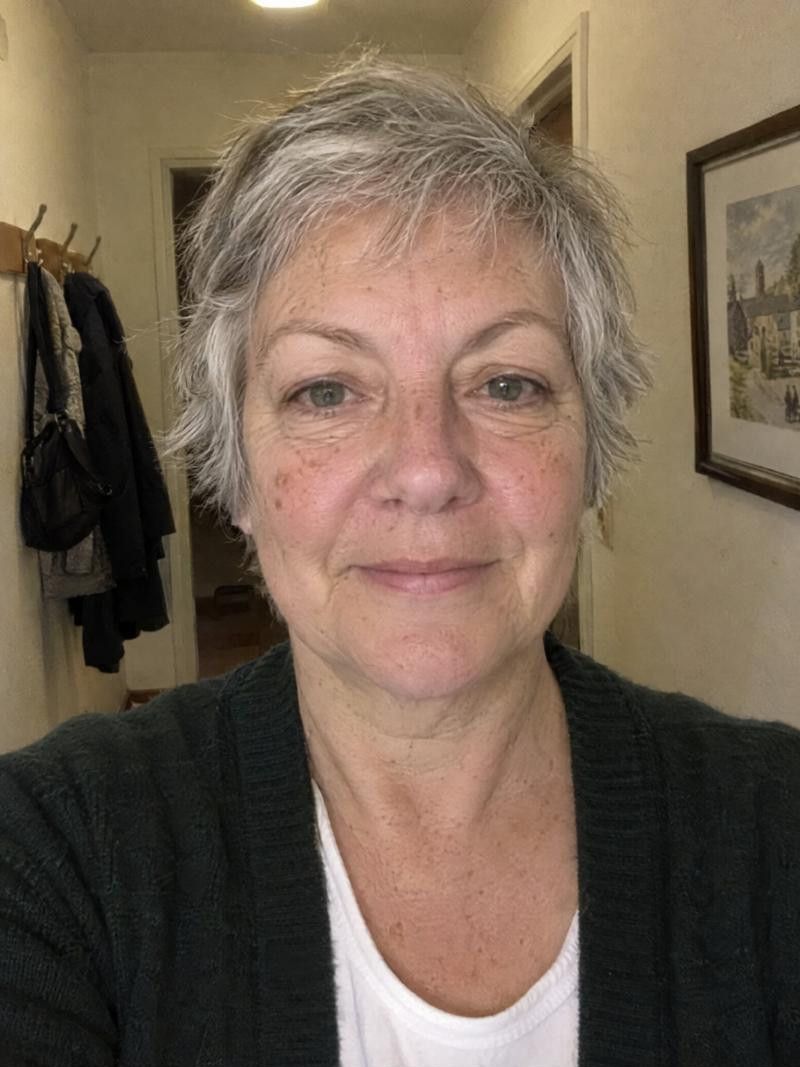
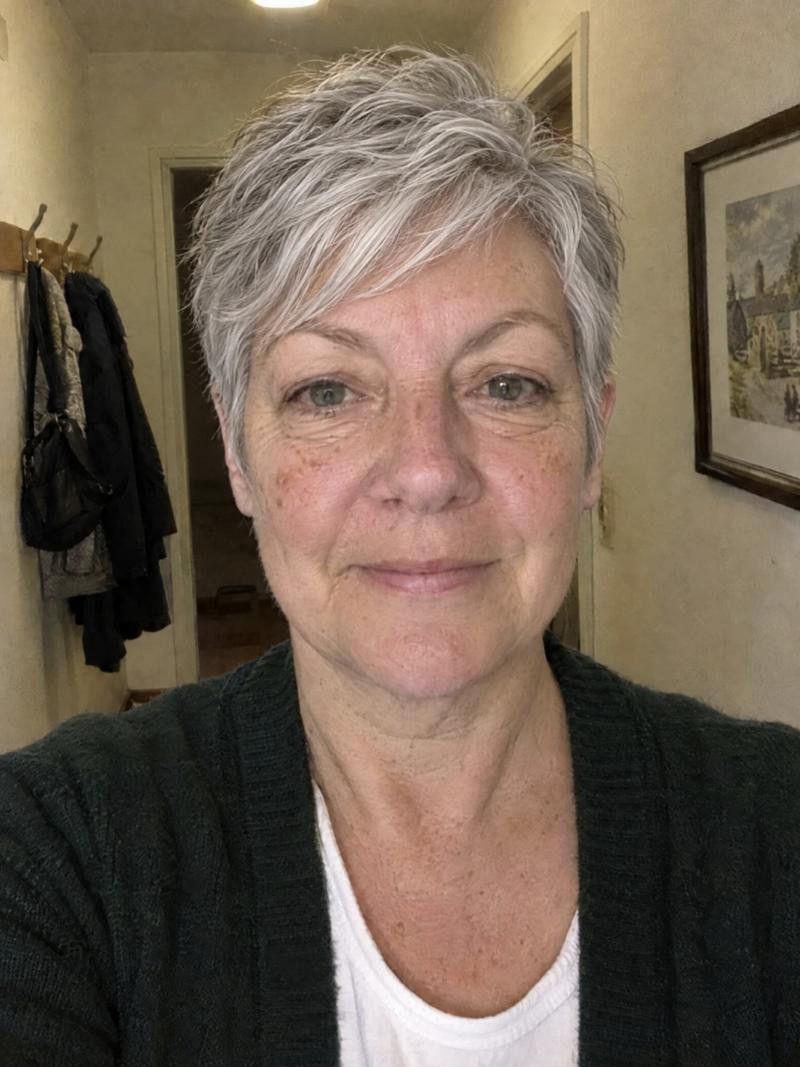
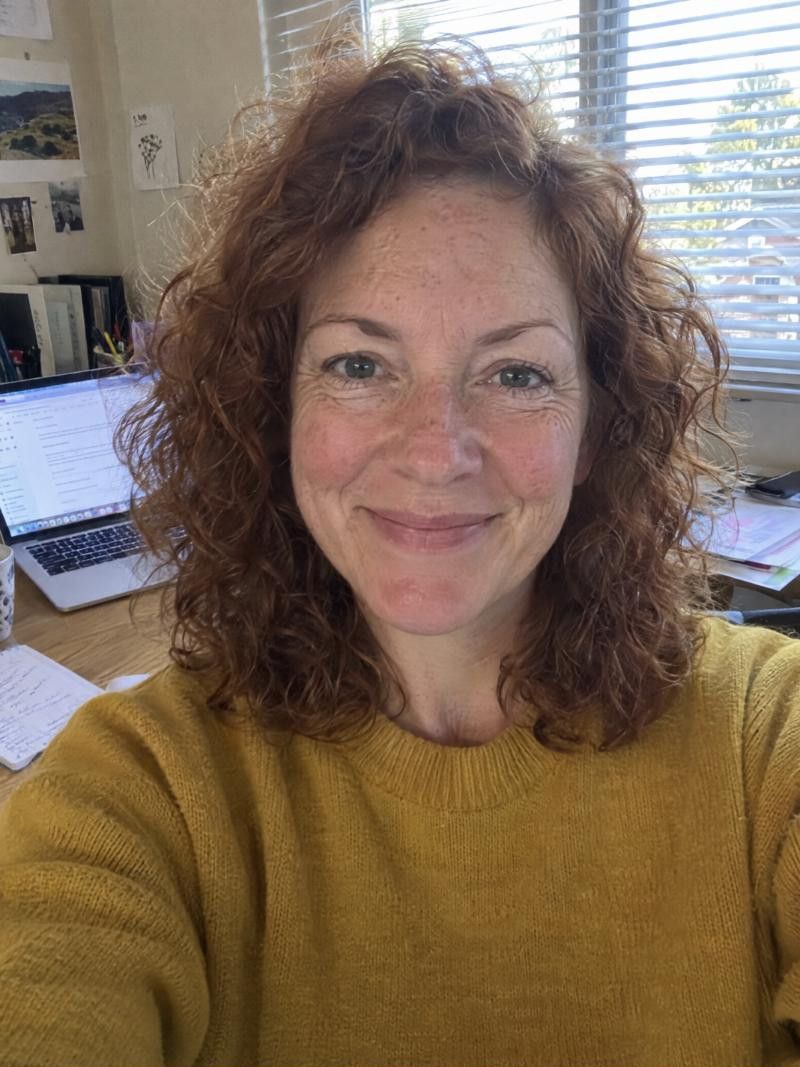
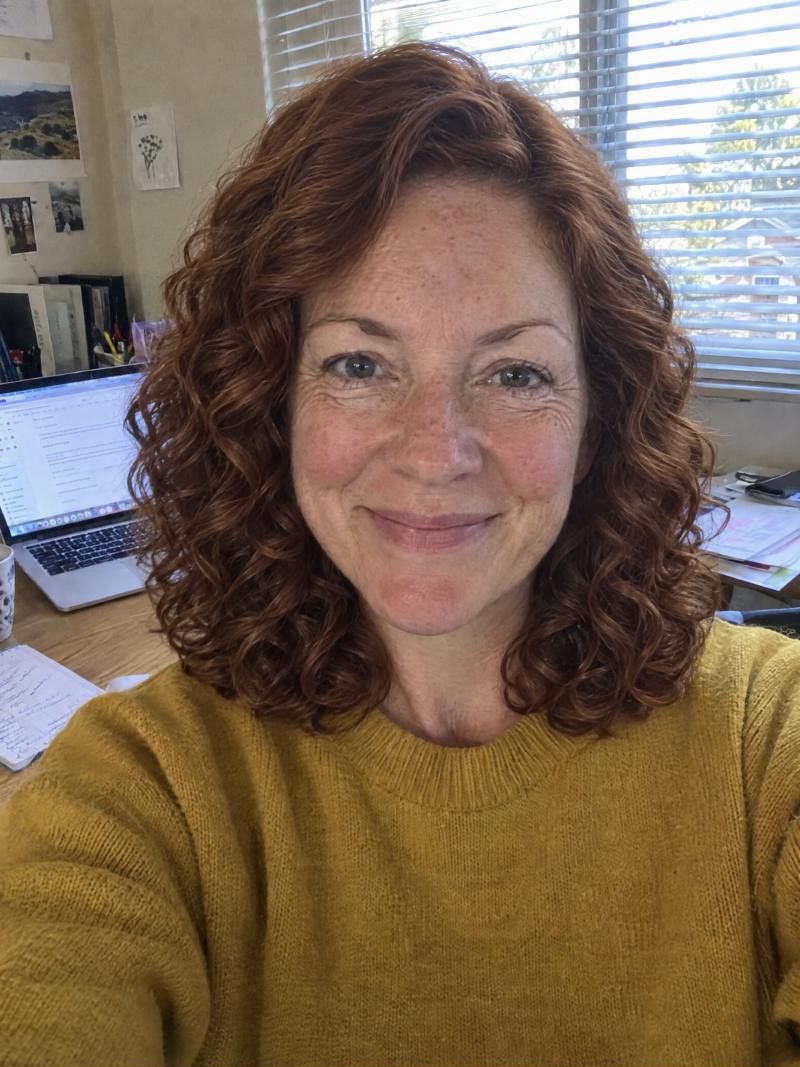
Try a hairstyle on in the app
-
Add one photo
Choose a front-facing photo in even light, with no hat or sunglasses. Hair pulled back or natural both work.
-
Pick a haircut
Browse the catalogue by category, or let face analysis show cuts that suit your face shape. Pick one and let it generate.
-
Import a hair reference
Have a photo from Pinterest, Instagram or Facebook? Import it and see that exact haircut on your own face.
-
Compare and save
Toggle See original, regenerate for another version, then download or share the result you like best.
Take it to your stylist
Bring your favorites
Show two or three saved results, not one. Your stylist can see what you keep choosing, such as length or bangs, and talk through which will work on your hair.
Say what you like
Point out what draws you in: the length, the layers, the way it frames the face. A stylist can recreate that even if the exact cut changes.
Ask what will differ
Ask how your texture, density and growth pattern will change the result. They can tell you what to expect before cutting.
Good to know.
Something else on your mind?
Write to us
What is the best photo for a hairstyle try on?
A front-facing photo, head level, in even light, with your face and hairline clear. Pull your hair back or let it lie natural. Avoid hats, sunglasses, heavy filters and strong shadows.
Should my hair be up or down in the photo?
Either works. If you want to see a cut with bangs or short layers, hair pulled back gives the app a clean view of your face. If your hair is long, natural hair is fine too.
Can I try a color without changing the cut?
Yes. Pick a shade in the color row and set the cut to No changes. You can also do the opposite, new cut with your current color, and compare the two.
How many hairstyles should I try before deciding?
There is no set number. Try enough to see a pattern: the length, bangs or layers you keep choosing. Three to five different cuts is a comfortable range for many decisions.
Why does my result look a little off?
Usually the photo is the cause: an angle, a shadow or a cropped forehead. Retake it in even light, facing the camera, then regenerate. A preview is also a guide, not an exact match for your real hair.
Keep exploring
- Virtual Haircut Try a virtual haircut, then walk into the salon prepared
- Haircuts for Your Face Shape Find haircuts for your face shape, then check them on you
- Hair Color Changer Try a new hair color before you book the appointment
Ready for your new look?
See it on you before you cut. Free to try.