An AI hairstyle changer keeps your face and changes your hair
An AI hairstyle changer edits the hair in your photo and leaves the rest alone. Here is what that gives you, and what it cannot know. Free to try.
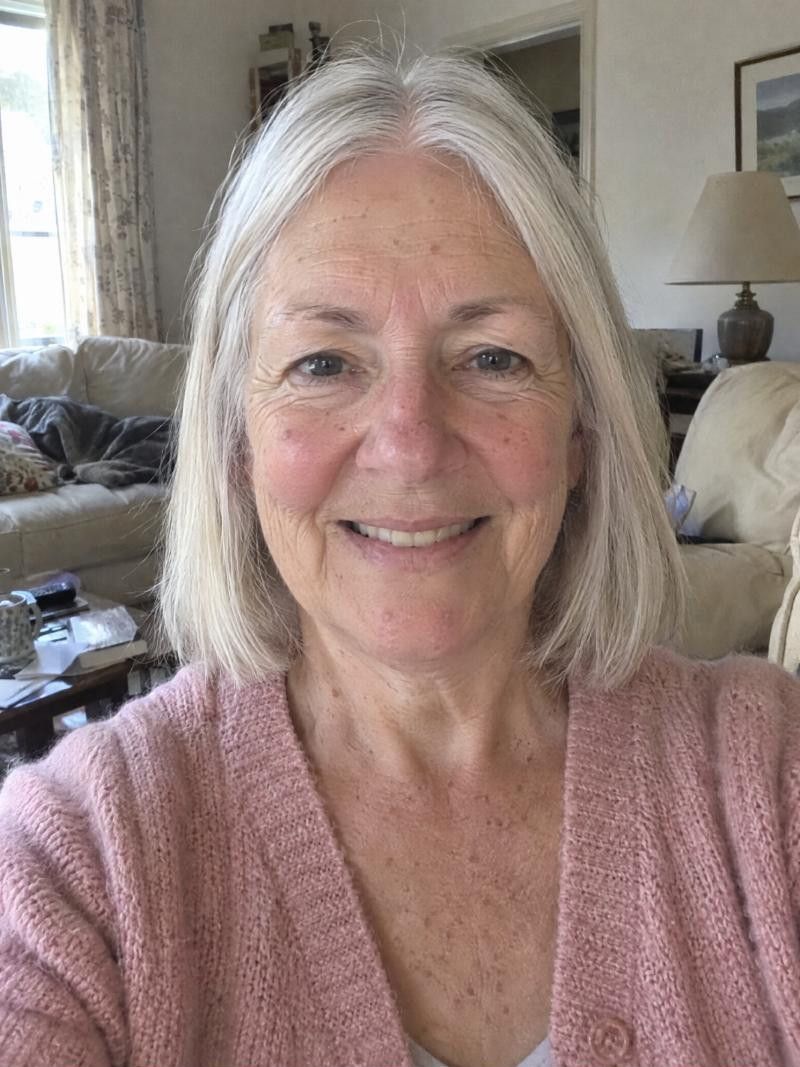

What does an AI hairstyle changer do?
It takes one photo of you and replaces the hair with a new cut or color, while your face stays as it is. You see yourself with the new hair in seconds. It is a preview of shape, length and color, not a forecast of how the cut will behave on your real hair.
What it changes, what it keeps, and what to trust
-
Your face stays yours
The point is to see a cut on you, not on a model. Your face, skin and expression stay as they are in the photo. Only the hair is replaced, so you are judging the cut against features you know well.
-
What it changes
Length, shape, bangs, parting and color. In Haircut Simulator you can change the cut, the color, or both. You can also keep your current color with No changes and test the cut on its own.
-
What makes it believable
Look at the hairline, the ears and the neck. A believable result sits naturally around them and has a thickness you could really have. If it looks pasted on, try another cut or a clearer photo.
-
Why the photo matters
A clear photo, facing forward, in even light, with your hair off your face, gives the tool the most to work with. A dark, blurry or tilted photo makes the hairline harder to read and the result less convincing.
-
What it cannot know
It cannot know your real texture, density, cowlicks or how your hair dries. A sleek bob in the catalogue does not know your hair is wavy or fine. That part belongs to you and your stylist.
- Best for
- Anyone who wants to see a new cut or color on their own face before deciding, especially if a big change feels risky or you cannot picture a style on yourself.
- Upkeep
- A preview has no upkeep. If you take a cut to the salon, ask your stylist how often it needs a trim and how much styling it takes with your hair.
- Watch out for
- It is a preview, not a plan. It shows an idea of the shape and color, not the way your hair will actually fall, so treat it as the start of a conversation with your stylist.
More looks to try
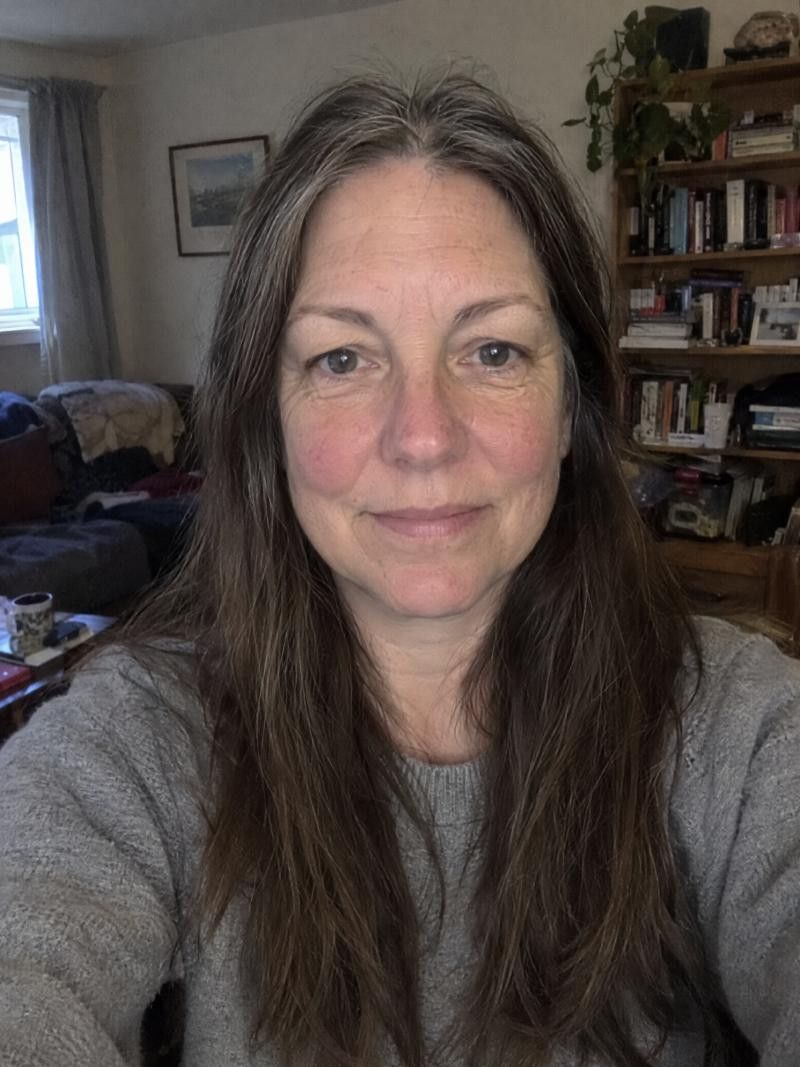


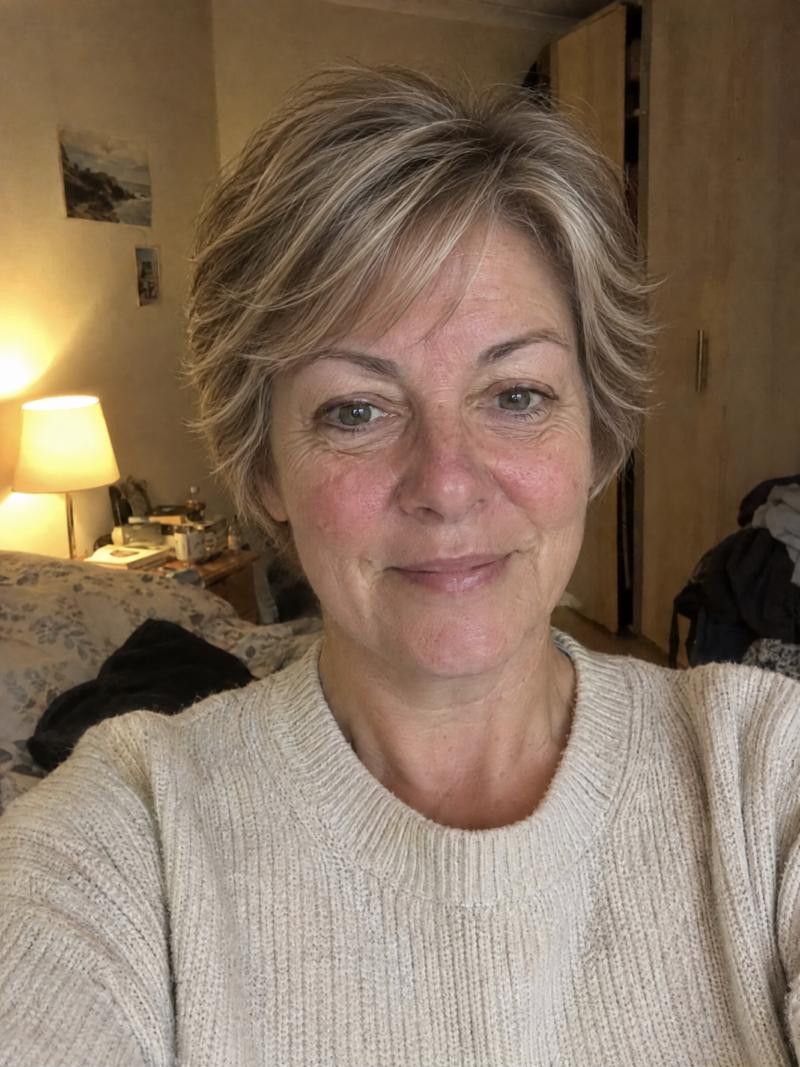
Change your hairstyle in the app
-
Add one clear photo
Face the camera in daylight, hair back from your face, no filter. This is the photo every result is built from, so take your time with it.
-
Pick a cut
Browse the catalogue by category, or let face analysis show cuts that flatter your face shape. You can also import a hairstyle photo from Pinterest, Instagram or Facebook.
-
Choose a color or keep yours
Pick a color such as Ash Gray or Auburn, or choose No changes to see only the cut.
-
Compare with See original
Toggle See original to check the change against your real photo. Regenerate for another take, then download or share the ones you like.
Turn a preview into a plan
Show the result, then describe it
Show your stylist the look on your phone, then say it in words: the length, the bangs, the finish. A picture starts the talk and words settle the details.
Tell them what the photo can't
Mention your texture, your cowlicks, how thick or fine your hair is and how it dries. Those are the things a preview cannot show, and they change what is possible.
Ask what they would adjust
Your stylist may suggest a small change so the cut works with your hair type. That is not a rejection of the idea, it is how a preview becomes a cut that lasts.
Good to know.
Something else on your mind?
Write to us
Does an AI hairstyle changer change my face?
It is built to keep your face and replace the hair. If anything near the hairline looks off, try a clearer, front-facing photo or regenerate the result.
Can I use a photo of a hairstyle I found online?
Yes. The hair reference feature lets you import a photo from Pinterest, Instagram or Facebook and see that cut on your own face, which is more useful than judging it on someone else.
Why does my result look a little off?
A tilted, dark or blurry photo, a hat, or hair covering your face can all make the edges harder to blend. Retake the photo in even light and try again, or try a different cut.
Can it show my hair gray or a new color?
Yes. You can pick a color for the new look, or keep the cut and change only the color. Choose No changes if you want to test the cut with the color you have now.
Is this on a website I can use on my computer?
No. Haircut Simulator is an app for iPhone and Android, and that is the only place to try it. It is free to try.
Keep exploring
- Hairstyle Try On Hairstyle try on: how to get a preview you can trust
- Virtual Haircut Try a virtual haircut, then walk into the salon prepared
- Hair Color Changer Try a new hair color before you book the appointment
Ready for your new look?
See it on you before you cut. Free to try.